Spivi Replay is Now Available for In-Studio and At-Home Members
We are proud to announce new, exciting features for Spivi Studio, Spivi Arena, and Spivi Home products!
Spivi systems at gyms and home users’ devices are set to automatically update in the next 48 hours, as part of our global deployment.
Spivi Home and Spivi Replay
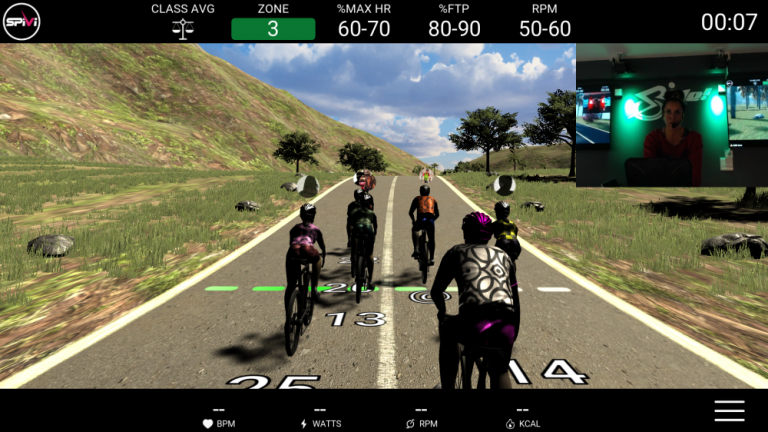
Spivi Replay is used in conjunction with Spivi Home both for in the studio and for home users. Replay classes use recorded video, audio, and data taken during the live class, and adds in the data collected during the replay, displaying everything together as if it was a live class.
In the studio, you can schedule Replay classes for your members so that even if they missed the live class, the Replay is available for them.
For home users, Spivi Replay allows them to select from your library of workouts to replay when it’s convenient for them. As a bonus, if you have multiple studio locations or facilities, you can share your Replay classes between all of your studios to deliver content, specific to your brand, that you can reuse and monetize. Now you can let your members take your classes anywhere, anytime.
This service is now part of the Spivi Home Host Service subscription.

Spivi Replay In the Studio
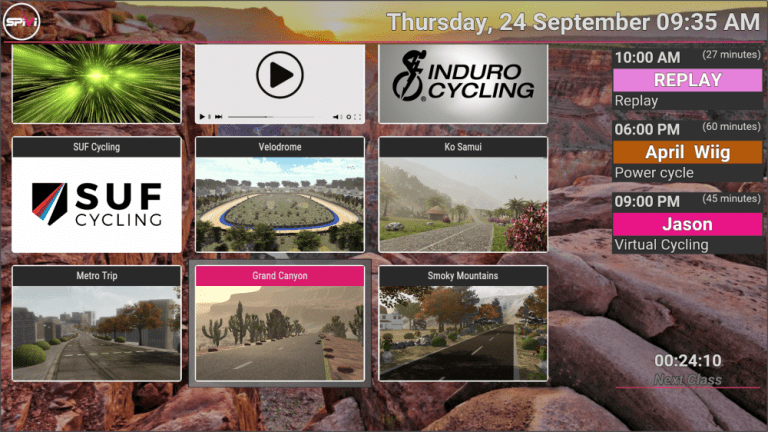
Add Replay classes to your class schedule. To add Replay classes to the Class Scheduler go to your My Studio Page and create a new event. Please check the box marked Spivi Replay Class and choose an available recorded class from the drop-down menu.
Once in the studio, your class will play automatically at the specified time.

Spivi Replay at Home with the Spivi Home App
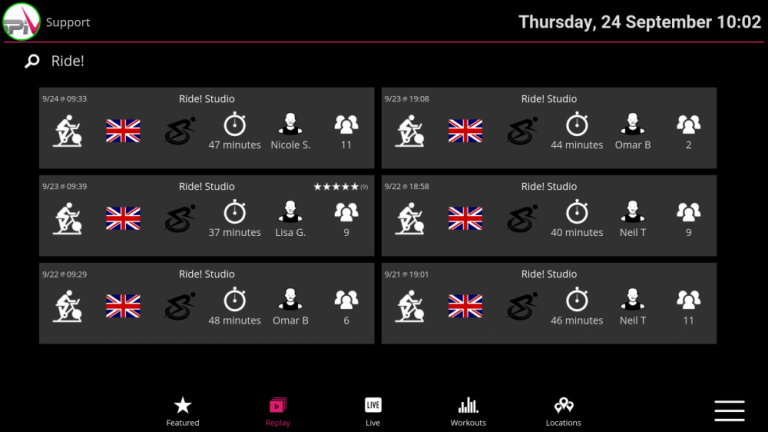
The Spivi Home app will feature a new icon called Replay on the bottom toolbar.
Members at home will be able to see the date the class was held, class duration, instructor, and number of participants.
From here, your members can choose which class they would like to participate in. When taking the class their real time performance metrics will show in relation to the recorded class. Members also have the option to pause and end the workout when they see fit.
They also have the ability to rate the class when they are finished with their workout.
New Notification for Classed Booked on Spivi Home
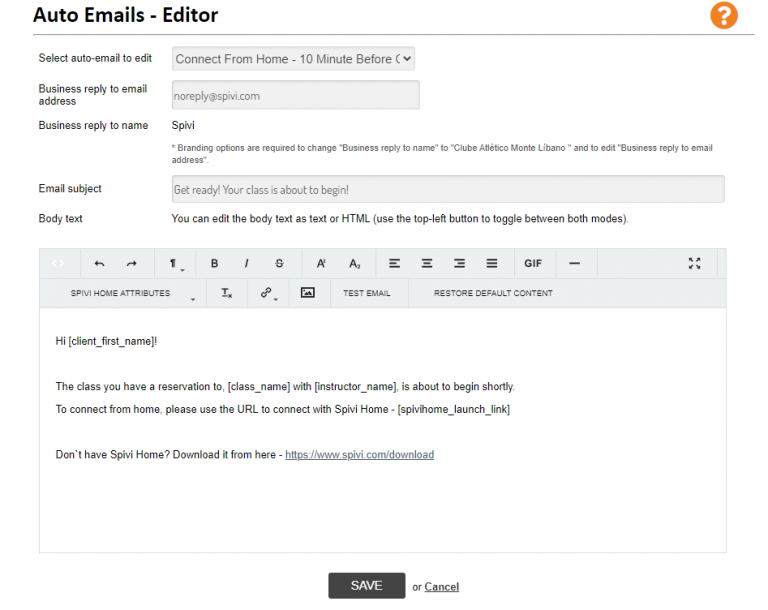
We have added a new feature that automatically sends your clients an email with a reminder when they are booked into a class while connecting from home. This email will be sent 5 to 10 minutes before the class is scheduled to begin, and can be edited using the auto email editor on your My Studio page.
New Payment Processing Services
As a studio owner, using the new Spivi Payment Processing service you can even set a price on your Replay classes for your members to participate in from home.
We have added a new service to allow facilities that use the Spivi Scheduler to collect payments with Stripe and PayPal. Seamlessly connected commerce tools that are tailored to your business allowing you to sell classes, collect payments and run your online and offline retail.
Add Spivi’s Payment Processing Services to the Spivi Widgets on your website and Mobile App to start accepting payments in minutes! Now provide your members with scheduling, spot reservation, workouts stats, and payment processing for single or multiple classes or unlimited memberships all either online or on mobile – however, your members connect with you.
Ensure customers stay on your website during checkout instead of being redirected to an externally hosted checkout page, this has been proven to lead to higher conversion rates.
Spivi Home is Now Available for Mobile Devices
Spivi Home is now available on the App Stores!
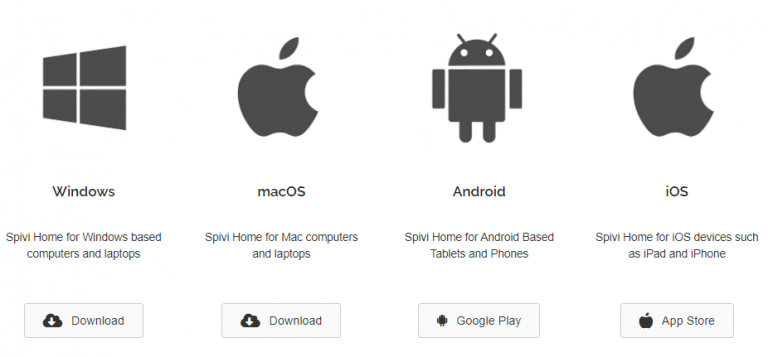
Members with an iPhone can download Spivi Home from the Apple App Store and members with Android phones can download Spivi Home from Google Play.
Spivi Home is also available for iPads, Android tablets, Windows and Mac laptops, or computers.